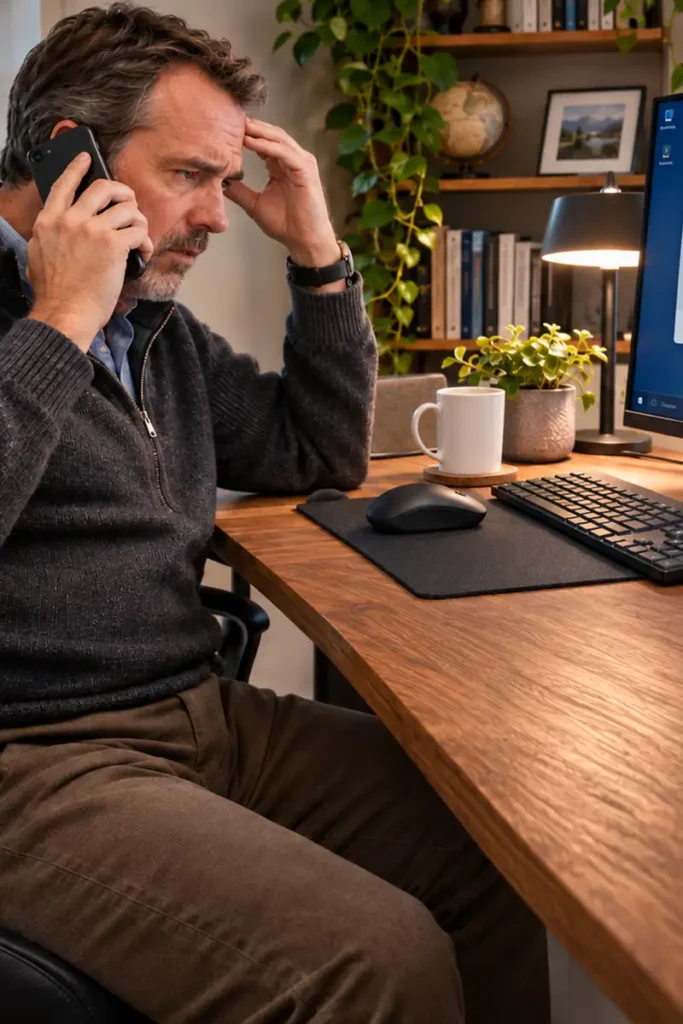
The Support Call That Locked Daniel Out of His Computer
Daniel had already experienced computer trouble before, but this visit began with a very different kind of problem. After a phone conversation with someone claiming to represent HP support, he had paid for assistance, provided payment-card information and allowed the caller to access his computer remotely. Afterward, he could no longer sign in normally.
The immediate concern was bigger than a forgotten password. Once an unknown person has been given remote control of a computer, it is difficult to know which settings they may have changed or what software they may have installed. Simply getting back to the Windows desktop is not the same as establishing that the machine is safe.
Looking Beyond the Login Screen
Inspection identified an unauthorized ScreenConnect remote-access installation. ScreenConnect can be used legitimately for technical support, but in this case its presence followed the suspicious call and was not an approved way of managing Daniel’s computer. That raised the risk that someone could reconnect later, even if the original call had ended.
Other unwanted software and startup entries also needed attention. The system contained signs of potentially unwanted browser software and a startup entry named SystemLock. Taken together with the loss of normal sign-in access, these findings made a simple password reset an inadequate response.
Why an Older Backup Mattered
Rather than trusting the compromised Windows installation, the recovery approach used an older Acronis backup from July. Restoring an earlier system image can provide a way back to a known point in time without relying entirely on the current installation. The important qualification is that a backup still needs to be checked after restoration: a date alone cannot guarantee that every restored file or setting is safe.
The payment-card exposure also required attention outside the computer itself. Restoring Windows cannot reverse financial information already shared with a scammer, so the incident had to be treated as both a computer-security and an account-security problem.
The recovery work was completed, including the remaining restoration and follow-up steps. The case illustrates why remote-support scams deserve more than a quick cleanup: access, startup persistence, account security and dependable recovery all need to be considered.