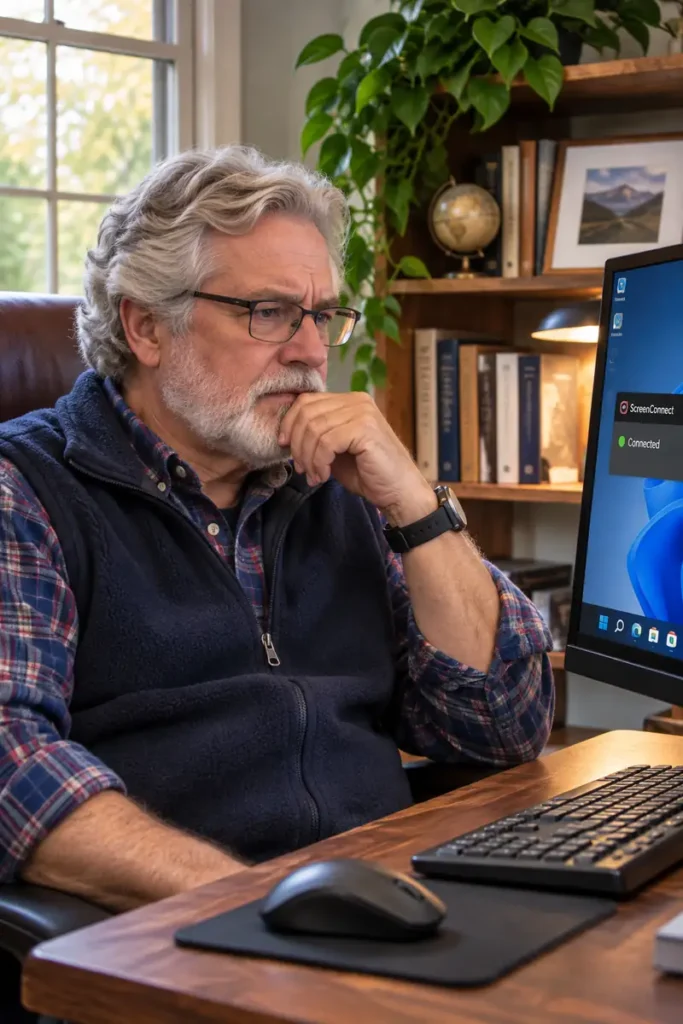
The Cursor That Moved Without Anyone Touching It
Owen knew something was wrong when his mouse pointer began moving without his help. The unexplained movement was unsettling enough, but the computer was also associated with a suspected attempt to access his cryptocurrency account. It was important to investigate the computer without assuming that an account transfer had actually succeeded.
A closer examination revealed two unauthorized ScreenConnect remote-support clients. ScreenConnect is used by legitimate technicians, but these installations were not part of Owen’s approved support setup. Evidence showed remote operator sessions and activity, making the concern more serious than a harmless program left behind.
A second way back in?
The investigation also uncovered a suspicious Windows scheduled task running with high system privileges and referencing a PowerShell script under Windows’ temporary folder. The task needed to be investigated as another possible persistence mechanism, rather than assuming that uninstalling a remote-support program would be enough.
During the service work, the unauthorized remote-access clients were disabled and removed. Follow-up checks no longer showed the same active remote-control services. Additional review addressed the scheduled task and other remaining traces. That containment was an important step, although a service stopping is not by itself proof that every credential or account is safe.
The account question
Records showed a remote-support session around the time browsers and Windows sign-in components were active. The overlap justified closer investigation, but it did not establish exactly which websites the operator viewed, whether credentials were taken or whether a financial transaction occurred. Those distinctions matter when dealing with a potentially serious fraud attempt.
The visit therefore went beyond the moving cursor. Account passwords and financial security were part of the response, along with steps to prevent unwanted remote access from returning. Owen’s iPad had displayed separate alerts, but those stopped after the iPad was turned off; they were not treated as proof that the Windows computer had caused them.
The lesson is straightforward: a mouse moving by itself can be a warning of remote access, but reliable troubleshooting depends on checking the installed software, actual session records and persistence mechanisms, and being precise about what the evidence does and does not prove.