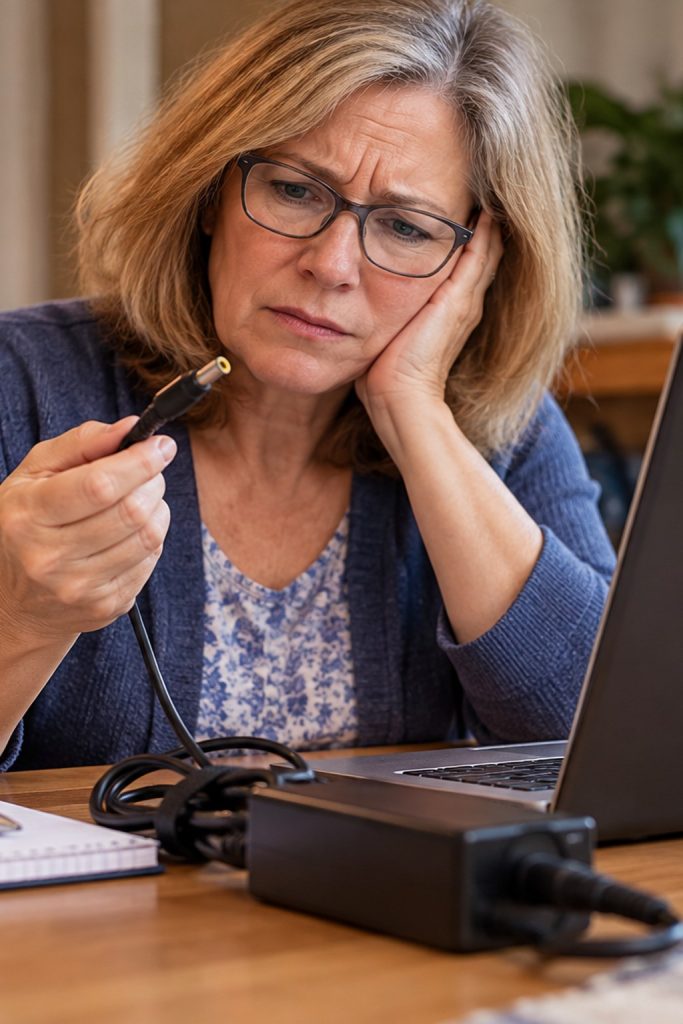
Carol's Lenovo Laptop Wouldn't Charge or Turn On
Carol, a Simply Computers customer in Guilford, had a Lenovo laptop that stopped charging and wouldn’t turn on. When a computer suddenly stops responding, it’s easy to assume something expensive has failed.
But sometimes the problem is much simpler.
Her Lenovo IdeaPad 330S showed occasional signs of life. A power indicator briefly illuminated when the charging connector was moved, and at one point the light flashed three times when the power button was pressed. Unfortunately, the computer still wouldn’t start.
The charging connection initially looked suspicious. There was some movement where the charger plugged into the laptop, which raised the possibility of a damaged charging jack.
A closer inspection revealed that the jack was mounted on a short internal cable rather than soldered directly to the motherboard. That meant some movement wasn’t necessarily evidence of a broken connector.
The more revealing clue came from testing the original Lenovo power adapter.
Using a multimeter, I repeatedly checked the charger’s output and found no measurable voltage. A working charger should have been supplying approximately 20 volts.
That made the power adapter or its cable the leading suspect.
Rather than immediately replacing the laptop’s battery or recommending an expensive motherboard repair, I ordered a compatible replacement charger and had it shipped directly to Carol.
The replacement is the next step in confirming the diagnosis. If it restores normal charging and startup, Carol may have avoided a much more expensive repair.
Sometimes the most important part of computer repair is knowing what to test before replacing anything.